
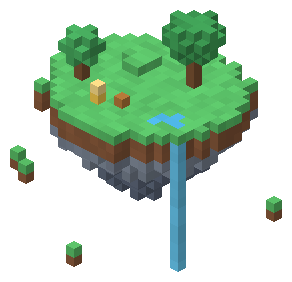
Skyblock
Start on a small island above the void. Grow it into a floating base with generators, farms and friends, and trade your way to the top of the economy.
— players on Skyblock now
What you do on Skyblock
Your own island
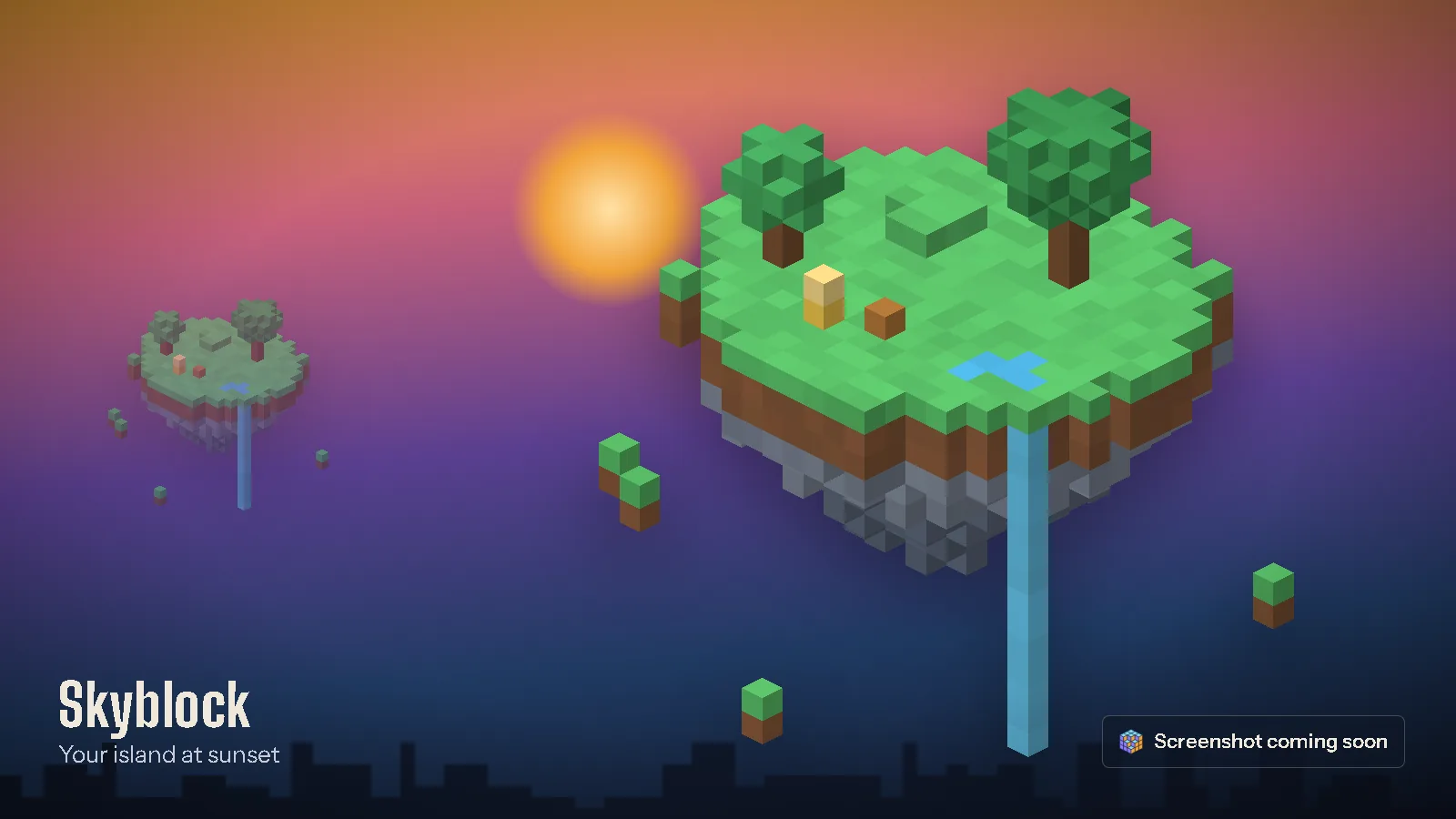
Expand its size, unlock more members, generators, hoppers and animals with island upgrades. Invite friends and build together.
Coin generators
Place generators that earn while you build. Stack upgrades, doublers and auto-sell to grow your income per hour.
Skills
Five skill paths up to level 50. Higher levels mean double drops, extra damage and rewards along the way.
Runes and custom gear
Enchant gear with 33 runes from the Enchanter. Craft special tools like the tunnel pickaxe and the sell wand.
Missions
Daily and weekly missions with a bonus for completing the set, plus an island mission chain your whole team works on.
A real economy
Sell to the shop, list unique items in the auction house or trade resources on the bazaar with buy and sell orders.
How to join
- Open Minecraft: Java Edition
Use the latest release. Go to Multiplayer and choose Add Server.
- Add the server address
Enter play.quboro.net as the address and save.
- Choose Skyblock in the hub
Join the server and pick Skyblock from the server selector.
- Create your island
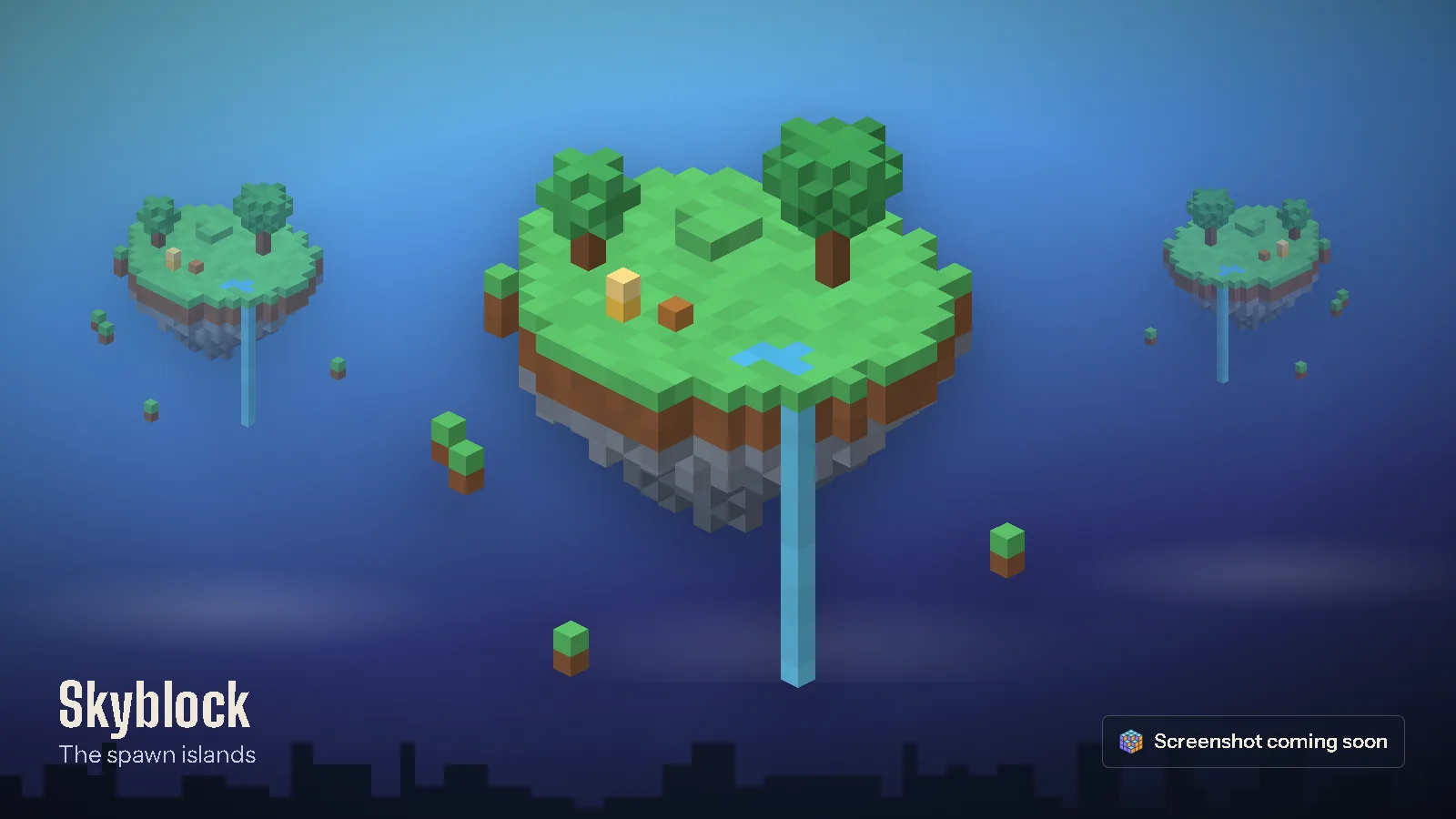
Follow the starter tutorial on the spawn island. It gives you rewards for each step.
play.quboro.netMinecraft Java Edition. Join from the multiplayer menu with the address above.
- Mode
- Skyblock, co-op islands
- PvP
- Only in the Wastelands
- In-game help
- /wiki and /menu
Also on the network
Radveil: a post-apocalyptic extraction survival under the same account and rank.